
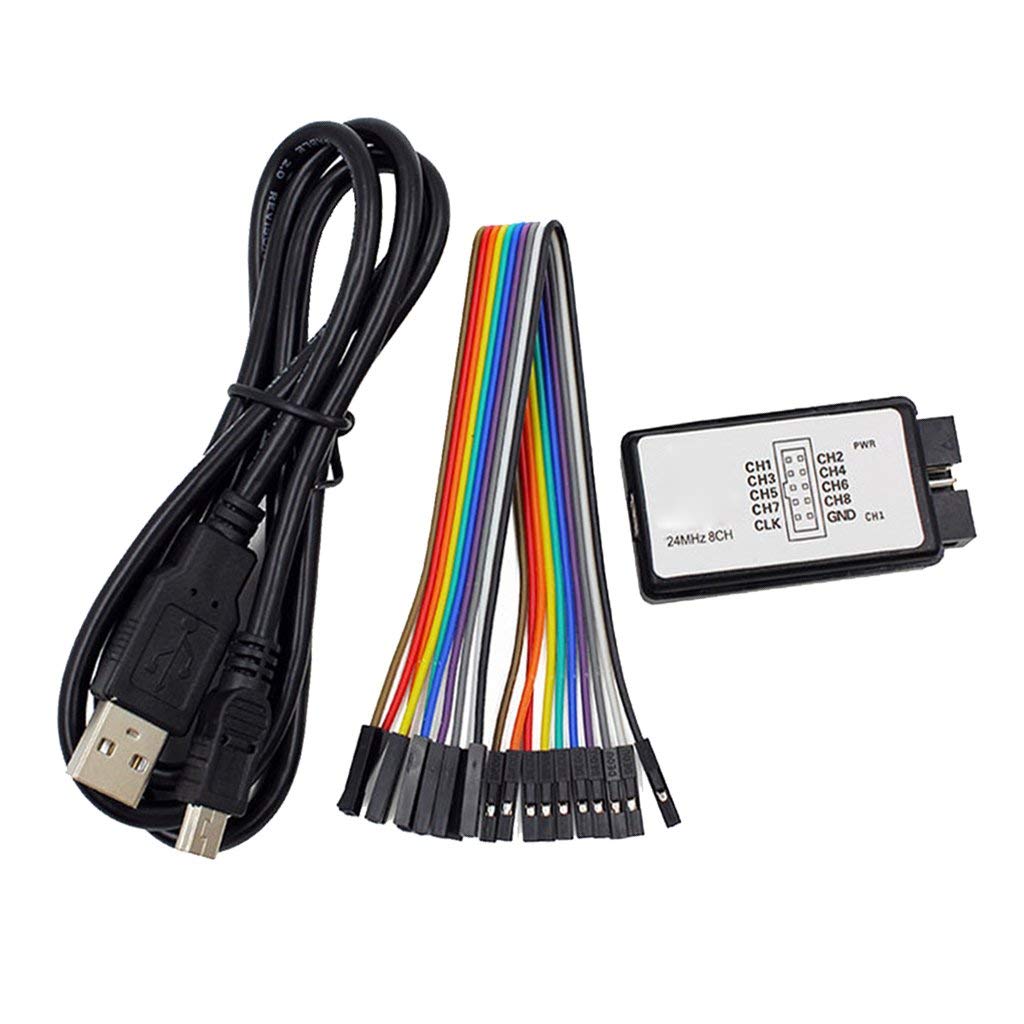
USB Logic Analyze 24M 8CH, MCU ARM FPGA DSP Debug Tool

Ask Our AI Assistant

Product Image
Working Principle

Description

USB Logic Analyze 24M 8CH, MCU ARM FPGA DSP debug tool is a debugging tool for digital signal analysis. It can monitor, analyze, and debug digital circuits using a 24Mhz sampling frequency. The tool can automatically analyze UART, IIC, SPI, and other standard protocols. It is particularly useful for MCU, ARM system, and FPGA development.

Sensor Types

UART

I2C

SPI

Dos And Donts

Donts

  • Do Not Exceed The Specified Input Supply Voltage Range (0-5.5v).: Operating outside the voltage range may damage the tool.,
  • Avoid Using The Tool Without Understanding The Threshold Voltage (1.5v).: Threshold voltage is crucial for accurate signal analysis.,
  • Do Not Ignore The Recommended Applications (Mcu, Arm, Fpga Development).: The tool is specifically designed for these purposes.

Dos

  • Start With This Tool If You Don't Want To Invest In An Expensive Oscilloscope.: This tool is a cost-effective option for digital signal analysis.,
  • Use The Provided Usb Cable For Power Supply.: The tool is powered via USB.,
  • Utilize The Adjustable Sampling Rate For Different Analysis Needs.: The sampling rate can be adjusted for various requirements.
Limits

Data Upload

  • Max Depth Of Collection: 10T,
  • Practical Need: Far from the practical need
How To Connect

I2c Connection

  • Description: Establish the connection between the tool and I2C interface for analysis.

Spi Connection

  • Description: Connect the tool to SPI for signal analysis and debugging.

Uart Connections

  • Description: Connect the USB Logic Analyze tool to UART for communication debugging.
Dimensions

Dupont Cable Length (Cm)

20

Height (Mm)

15

Length (Mm)

54

Shipping Weight 0

  • 059 Kg: Shipping Dimensions 10 × 5 × 2 cm

Usb Cable Length (Cm)

50

Weight (G)

55

Width (Mm)

27